Susmita Biswas

Redesign
Design System
Saas-Fin-Tech
WCAG 2+
Redress Manager is Exasoft Group’s core software used by UK financial service firms to handle customer remediation and redress calculations. It supports highly regulated tasks like loan reconstruction, debt consolidation, interest rate corrections, PPI, pension remediation, batch data loading, and report generation.
Client:
UK Banks
My Role:
User Experience, User Interface, Design System, Prototyping, Interaction
Tools:
Figma, Adobe XD, Miro, Agile Method, Jira
Timeline:
24 Weeks
The KPI
Because Redress Manager is used daily to process sensitive financial data, our KPIs focused on efficiency, accuracy, and user satisfaction.
Outcome (Post-redesign)
Reduce time to complete a workflow (e.g., interest-rate setup, data load)
30–50% faster
Achieved 40–60% faster task completion
Reduce user errors (mis-clicks, incorrect field mapping, wrong column selections)
-50%
~55–65% fewer errors
Improve usability satisfaction (SUS score)
New user onboarding time
Cut training time for new staff
Onboarding time reduced by 60%
2× faster
Devs built new modules 2–3× faster with the design system
Improve client adoption
80% adoption in 6 months
90% adoption in 5 months
The Ask
Who
Banking Stuffs
What
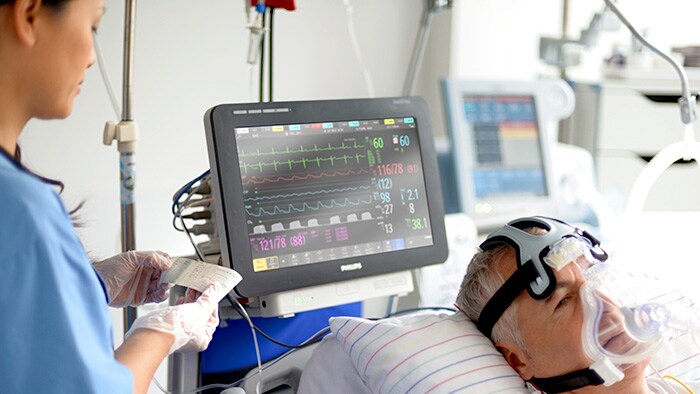
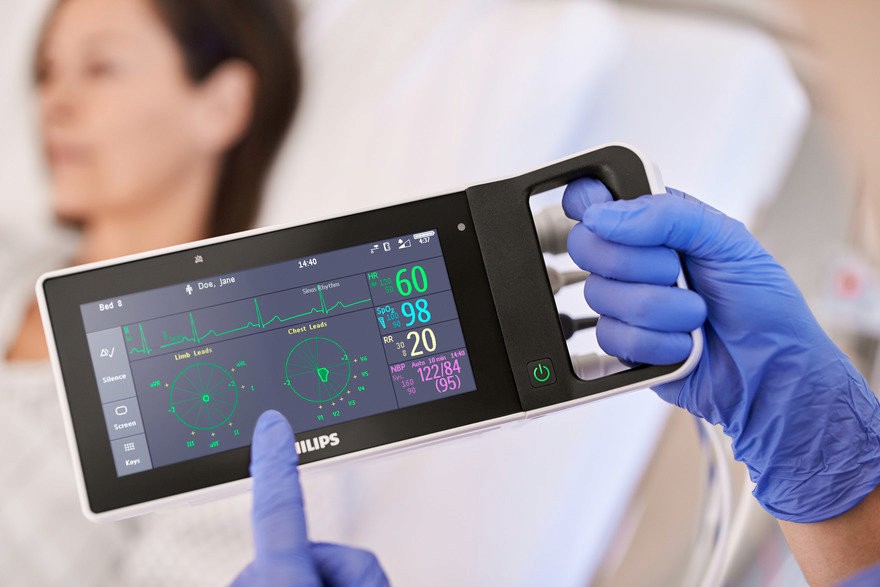
Bedside emergency Monitor and alarm
Why
2 decade old UI accessibility issues
How
Research, Iteration and develop
Problems Identified
The Challanges
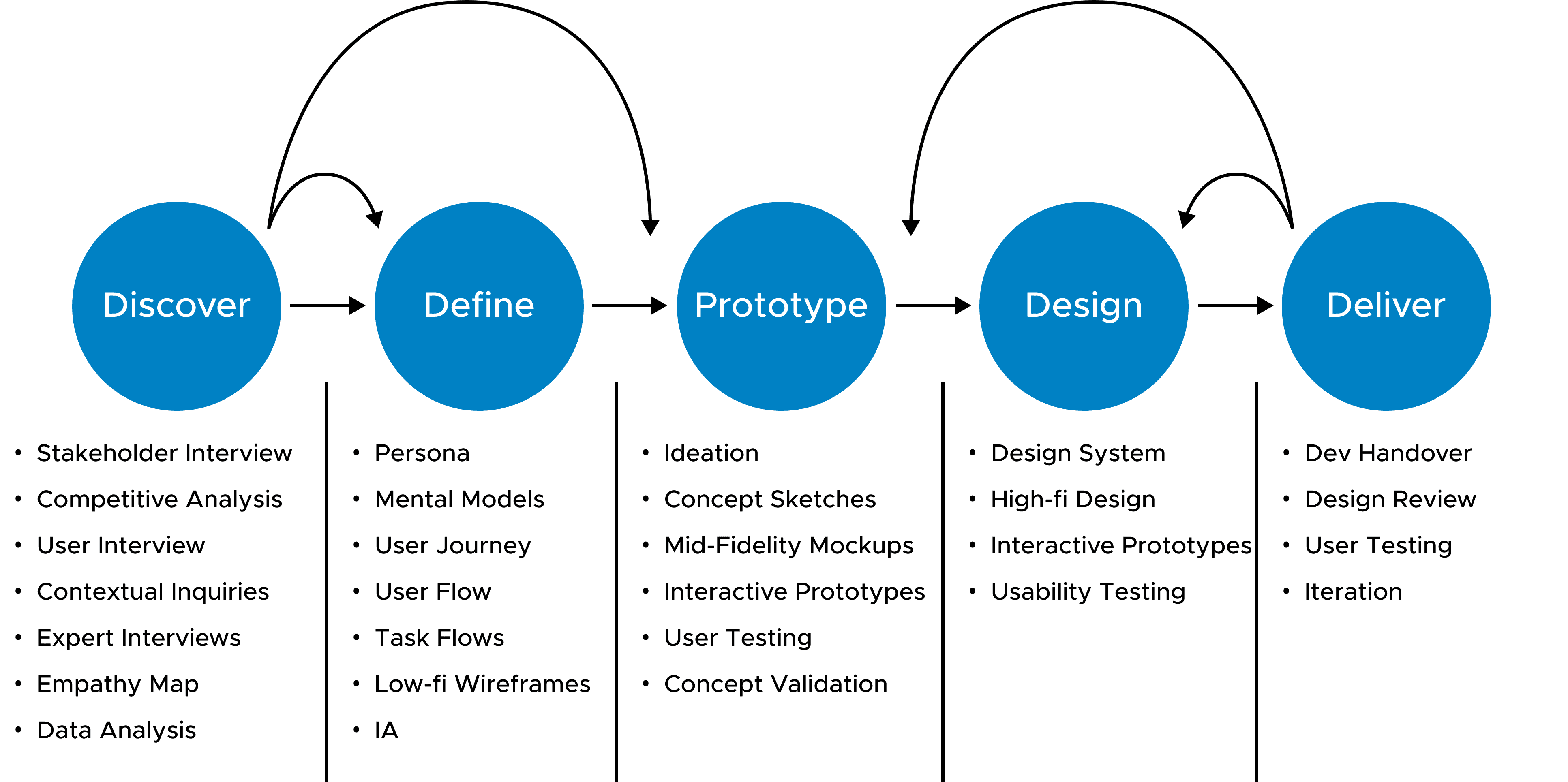
Design Process
Extensive online competitive research was conducted, involving the testing of two dozen market competitors across categories such as content management, time management, productivity, habit-tracking, and accessibility testing based on WCAG 2.2 standards.
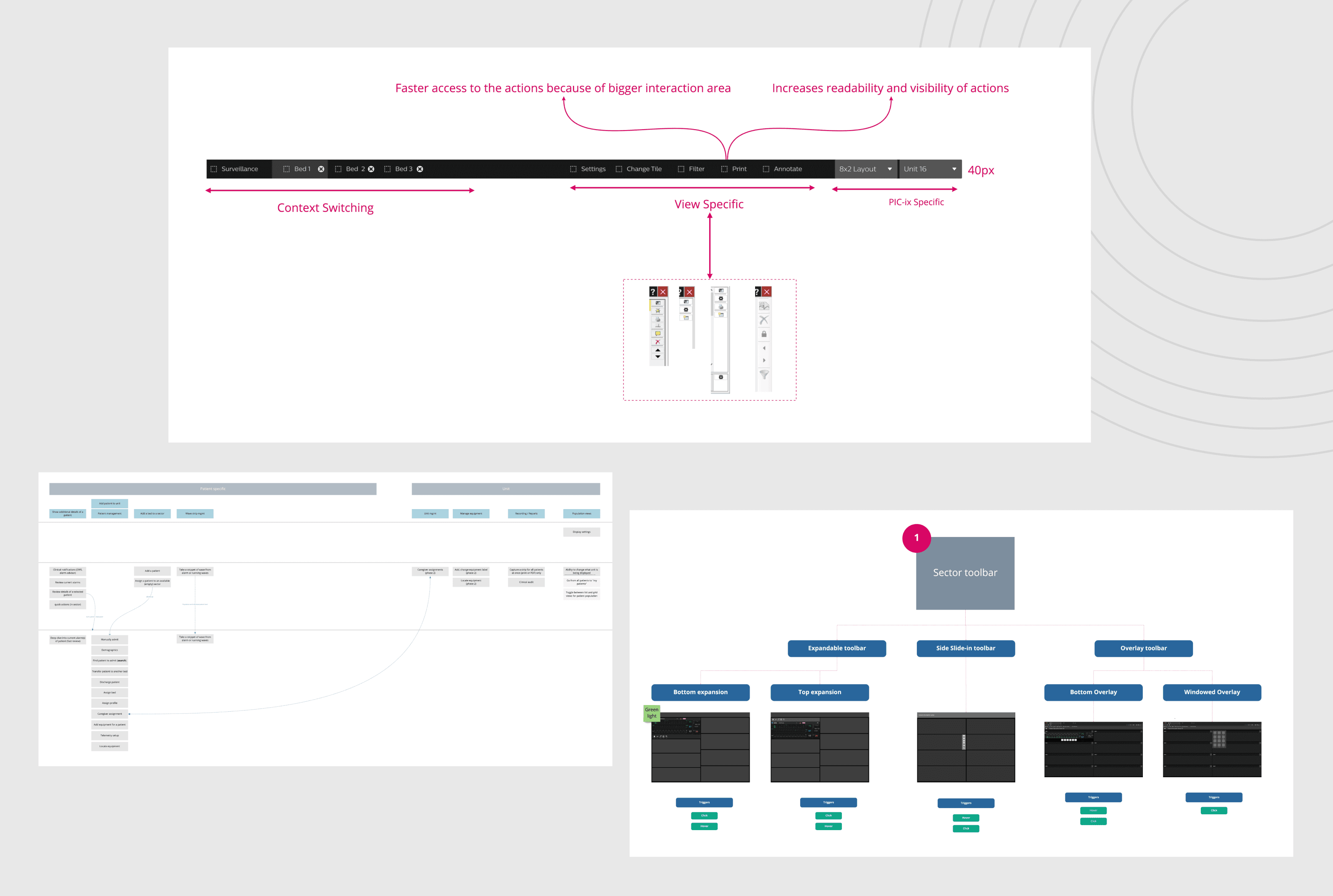
During the sketching stage of the design process including requirement gathering, information architecture, user flow, user journey, task flow, mood board, extended Design System, and the best idea emerged.
Several rounds of sketching and over 50+ wireframes were completed, leading to the development of the best concept for this cross-platform app.
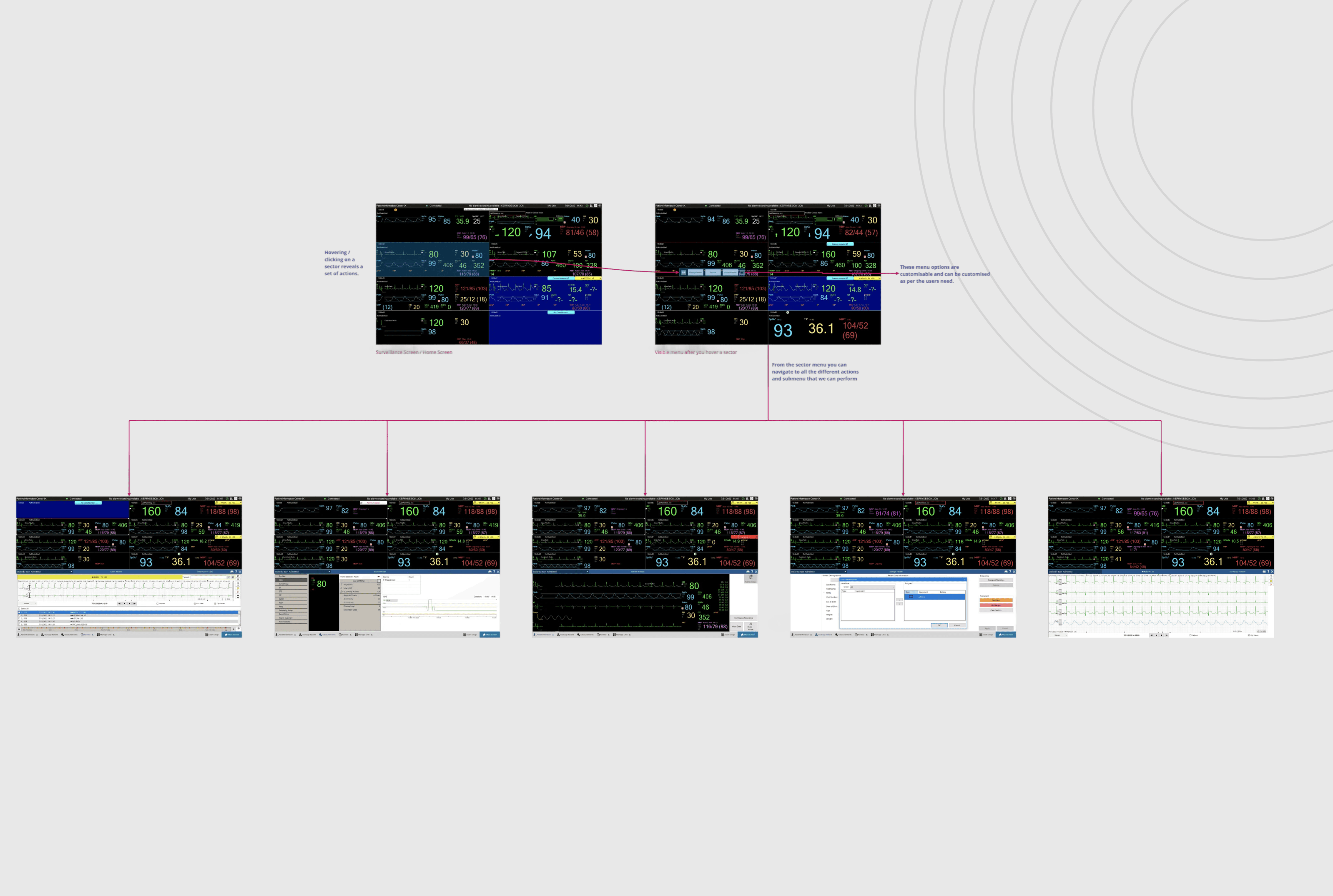
Flows
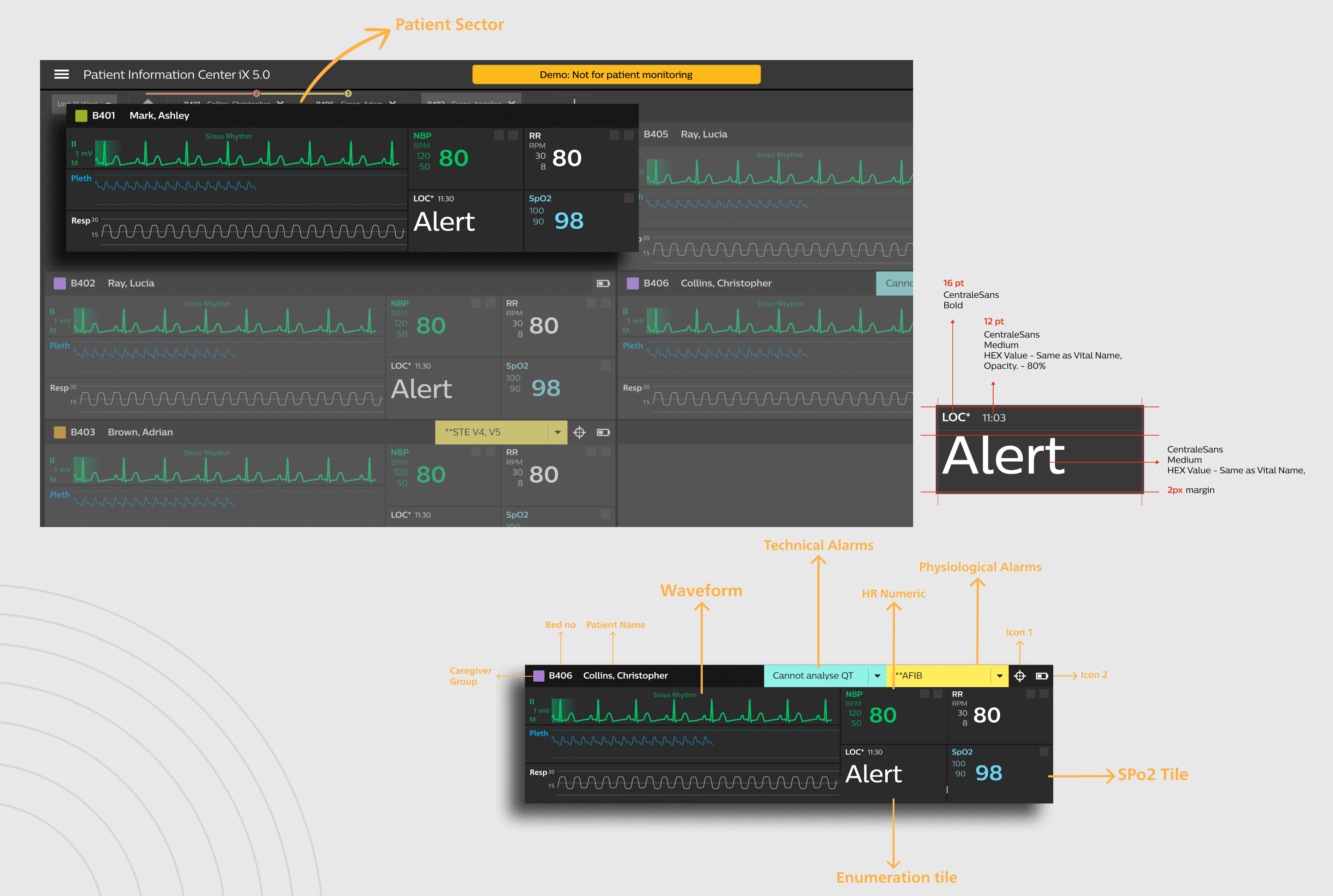
Output
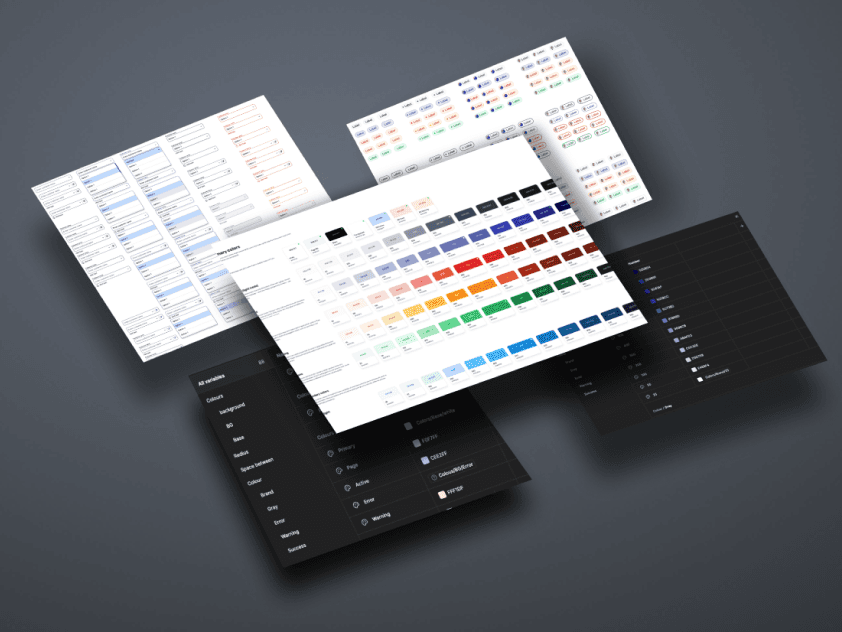
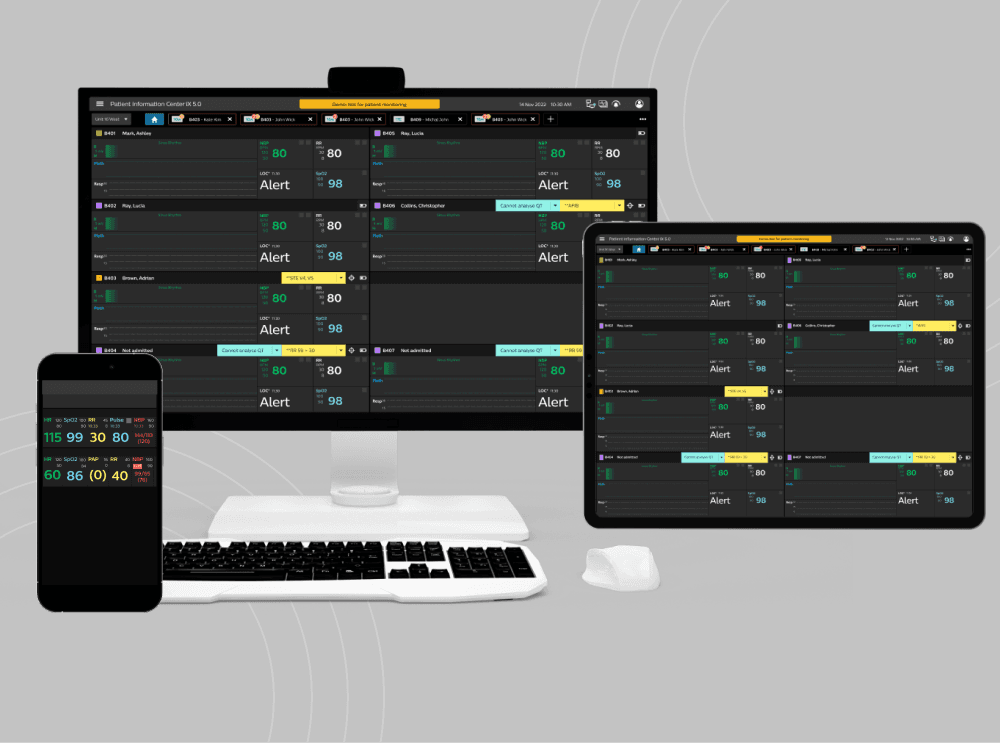
The Philips vital sign UI component redesign transformed critical clinical monitoring interfaces across multiple platforms. By applying a systematic, research-driven approach, we created a design system that improved clinical efficiency, enhanced patient safety, and delivered significant business value.
The project established new standards for medical interface design at Philips, creating a foundation for future innovations in clinical monitoring. The component-based architecture and comprehensive design system continue to deliver value, enabling faster development of new features and supporting the evolution of Philips' patient monitoring ecosystem.

Impact
Learnings
Clinical context must guide design: Working closely with clinicians and using simulation testing taught me that real workflows—not generic UX patterns—have to drive every decision.
Progressive disclosure truly reduces cognitive load: Layering information by urgency made interfaces clearer and contributed to the 43% drop in mental effort clinicians reported.
Consistency needs to adapt to clinical realities: I learned that rigid visual rules can hinder usability; thoughtful, context-driven adjustments often work better.
Performance is part of usability: Optimizing rendering, memory use, and platform behavior showed me how much technical details shape the overall experience.
Iterative, collaborative validation works best: Frequent clinical reviews caught issues early, reduced rework, and even helped cut training time by 35%.
Good documentation pays off: Clear component and rationale documentation kept teams aligned and streamlined regulatory work.